For students
Managing lessons and calendar
View upcoming lessons, manage your time zone and join a lesson.
Last updated: September 2026
- 1
What is in the calendar?
Your calendar includes private and group lessons, with the teacher, time, lesson type and status for each event.
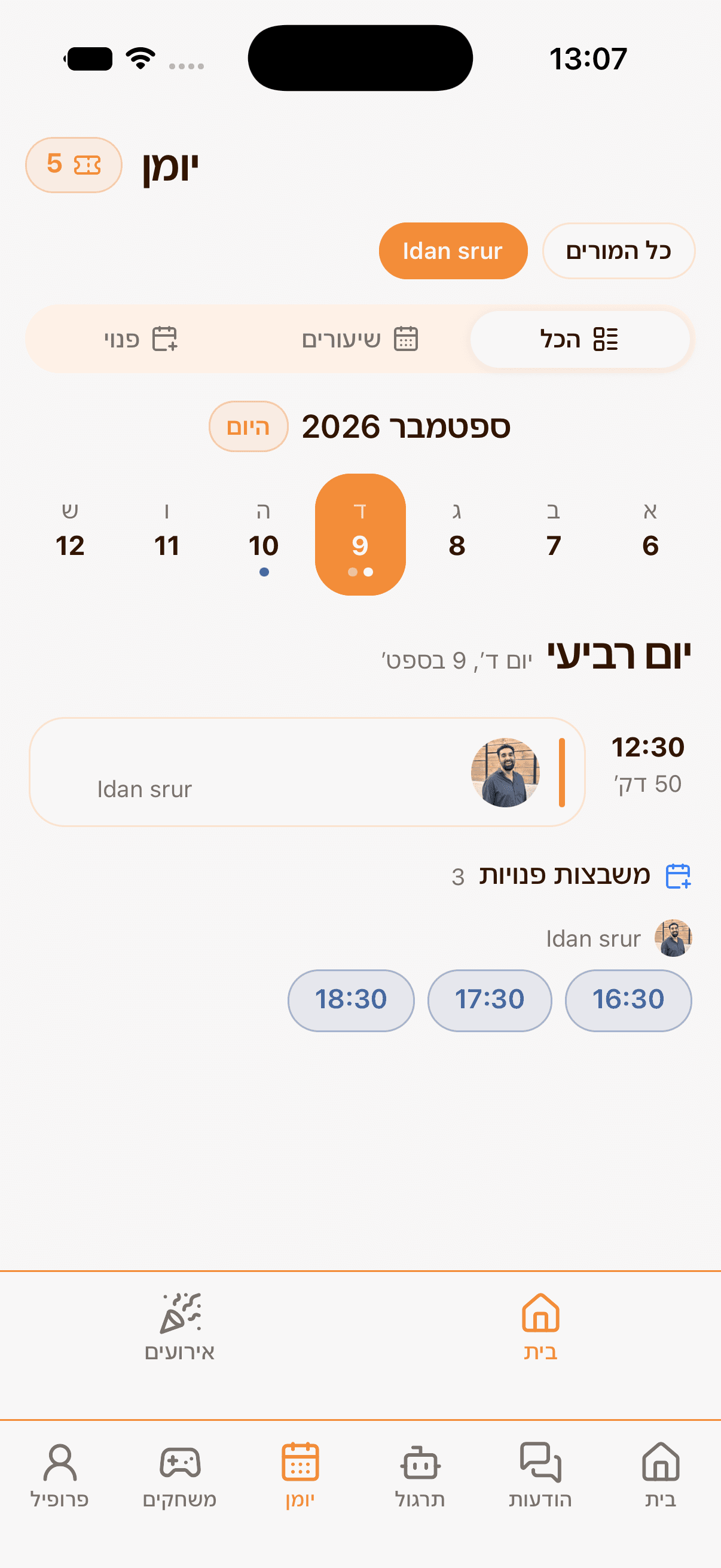
Balances are separate: remaining private lessons vs. group meeting entries. - 2
Before the lesson
How to do it
- 1Make sure the time zone in Settings is correct.
- 2Open the calendar event and review the lesson details.
- 3At lesson time, use the join link provided in the event.
Hemy tip: For changes or cancellations, contact your teacher as early as possible and follow the policy agreed with them.